Published 2026-11-11
VPS Swap vs RAM: Read Memory Pressure Before Upgrading
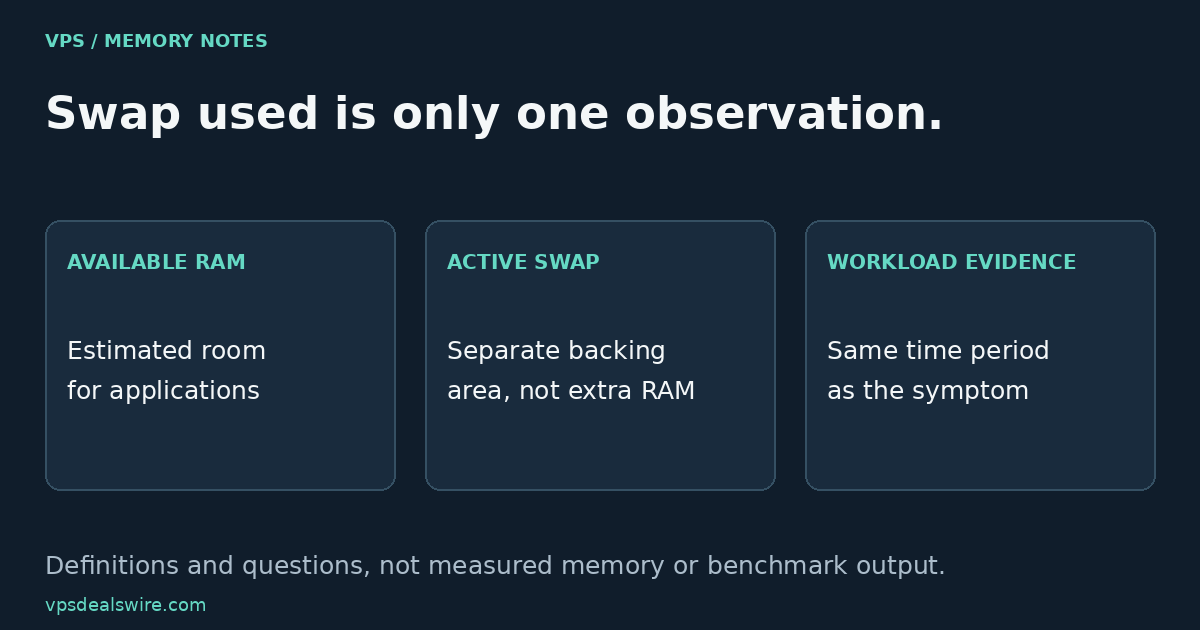
Swap space is not extra physical RAM, and a nonzero “swap used” value does not by itself prove that your VPS needs an upgrade. Check available memory, the application’s symptoms and evidence over the relevant workload period. A single number cannot tell you whether the problem is memory pressure, another resource limit or an inactive allocation left in swap.
In this guide
Separate the two resources before comparing plans
Physical memory holds data that the machine is actively working with. Linux can use swap backing for certain memory pages, allowing their physical pages to be repurposed. The kernel memory-management overview explains virtual memory, reclaim and the out-of-memory mechanism. None of that turns a storage allocation into an additional stick of RAM.
A VPS may have no active swap area, or its configuration may differ from a tutorial’s example. Read the conditions of the actual virtual machine or container. Do not assume every plan allows the same guest-level controls or that a provider’s advertised RAM figure includes a particular swap arrangement.
Read “available,” not only “free”
The Linux free manual distinguishes unused memory from the estimated memory available for starting applications without swapping. The kernel also uses memory for caches and other purposes. A small “free” column therefore does not automatically mean that all of that memory is unavailable to useful work.
On a system where the tools are installed and you have access, these are examples of read-only inspection commands:
free -h
swapon --show
They were not executed for this article, and no output is reported. free -h summarizes memory using human-readable units; swapon --show lists active swap areas as documented in the swapon manual. Use the installed tool’s documentation when its version or environment differs. A command being unavailable is a configuration fact, not proof of a faulty VPS.
Connect a symptom with a period of activity
For an original example, imagine an application that becomes slow during a scheduled import. The useful record is not simply “swap is used.” Note when the import ran, how the application behaved, whether available memory changed, and what the relevant system or service logs recorded. Keep these observations aligned in time before deciding that memory caused the slowdown.
Swap use can remain after an earlier busy period. To investigate current pressure, look for activity and symptoms during the same period rather than treating an occupied area as a continuous measurement of distress. If a process was terminated, inspect the actual reason and applicable limits; do not label every application exit an out-of-memory kill.
Other resources can affect the same user-facing symptom. The storage-label guide separates capacity and documented I/O constraints. The shared-vCPU guide covers a different class of plan conditions. Neither a storage label nor an extra CPU count settles a memory question.
Understand a tutorial’s goal before following it
DigitalOcean’s Ubuntu swap tutorial walks through configuring a swap file. That is a different task from determining why an application is slow. Confirm the operating system, storage availability and provider conditions before applying any configuration instructions.
For a general introduction, phoenixNAP’s swap-space overview explains the roles of physical memory and swap storage. It is not a measurement of your VPS. The practical distinction is to collect evidence first and make one justified change. An application setting, workload schedule, service limit or genuinely larger-memory plan may be relevant in a particular case. This article does not prescribe a universal swap size, promise a speed improvement or claim that adding swap cures a sustained memory shortage.
Turn the findings into a buying question
Write down the intended workload, observed symptom and time period, the physical-memory allowance and any provider-specific limits you need clarified. Ask which resources and controls the exact plan includes. Keep an untested assumption labeled as unknown rather than assigning an invented benchmark to a cheap VPS.
Use the provider comparison page to build a shortlist, then verify current official plan documentation. Compare memory requirements together with the application’s evidence and the other plan conditions. No prices, provider rankings or measured performance results are asserted here. Documentation was checked on October 27, 2026.