Published 2026-10-27
VPS DDoS Protection: Questions to Ask Before Buying
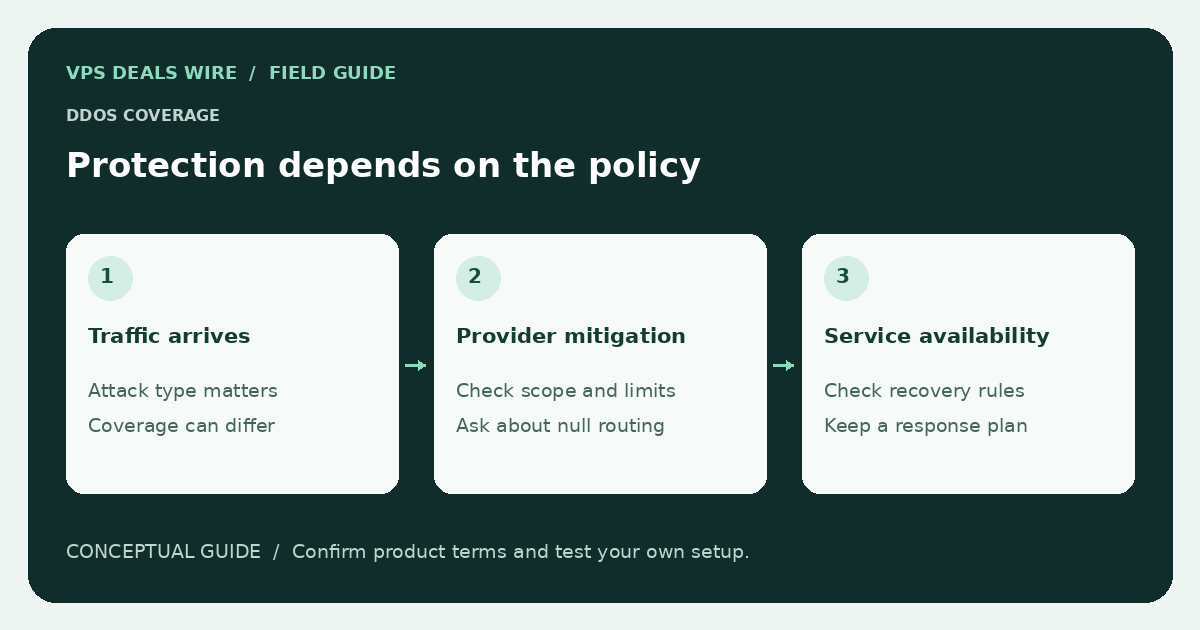
Before relying on a VPS plan's DDoS protection, verify what it covers, how traffic is handled during an attack, and when the provider may null-route or suspend an address. The word “protected” is not a complete service specification.
In this guide
This is a buying checklist, not an attack test. Do not generate attack traffic against a provider or anyone else's infrastructure to evaluate a claim. Use published documentation and ask targeted questions about your legitimate application.
Identify the protected traffic
Ask whether the service addresses network-level floods, application-layer abuse, or both. Check whether coverage applies to every protocol and port your application needs, and whether an additional proxy or product is required. A web-focused protection service should not automatically be assumed to cover a game server or arbitrary TCP application.
Find out how protection is activated and whether a normal configuration change can affect it. If the plan needs you to route traffic through a particular service, document that dependency as part of the architecture.
Understand the provider's failure behavior
Null-routing an IP can stop an attack from reaching a network while also making the service unreachable. Read the conditions, duration, and recovery process. Ask who is notified and how you contact support when the affected service cannot receive ordinary traffic.
Do not interpret an advertised capacity figure as a promise that your application remains available in every incident. Attack type, filtering decisions, upstream constraints, and application limits all matter. Record unknown coverage explicitly.
Check billing and acceptable-use terms
Review how unwanted traffic interacts with transfer allowances and overage billing. Ask whether the provider counts traffic before or after filtering, whether protection is included in the selected product, and what events can lead to additional charges or termination. These are provider-specific terms, not universal rules.
Also read the bandwidth-limit guide. An attack policy and a transfer allowance answer different questions, and one does not replace the other.
Prepare recovery outside the affected server
Keep configuration and data backups outside the single VPS. Maintain access to the provider dashboard and recovery console. For a public website, understand what your DNS and CDN can change during an incident, without assuming they protect every backend or hide every address.
Decide in advance who can make network changes and how you would communicate an outage. A technical mitigation claim does not replace an operational recovery plan or a careful reading of the support responsibilities.
Compare official protection and incident policies through the provider directory. Choose a plan only when the written scope fits the service you intend to run.