Published 2026-11-08
VPS Snapshot Restore Test: Verify the Application
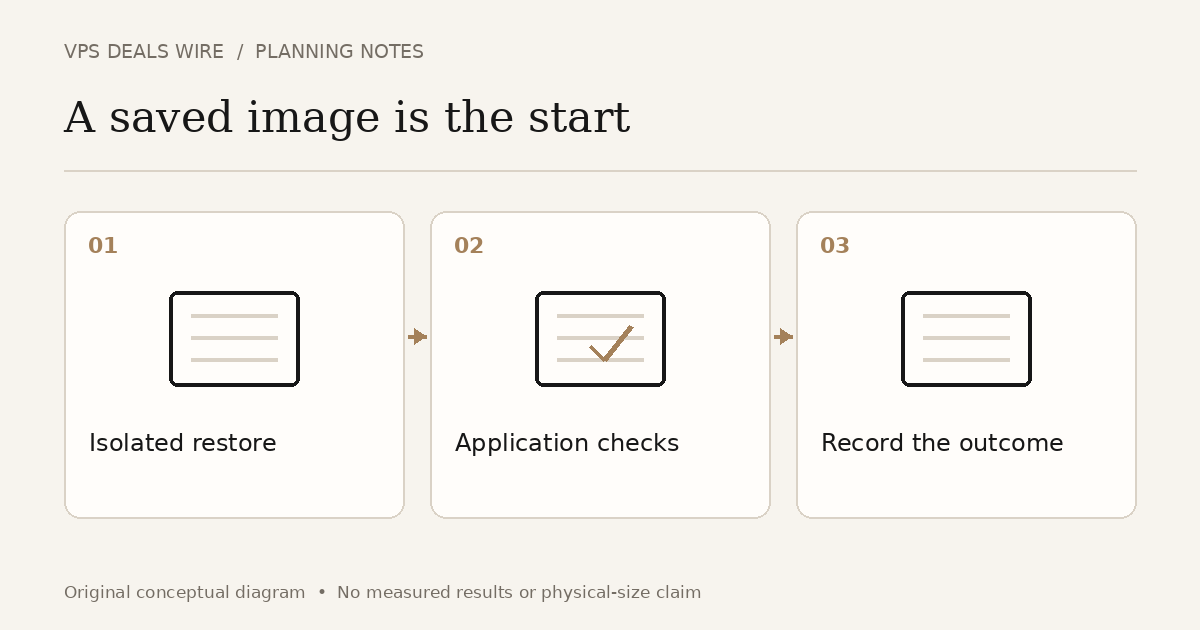
Restore a copy into an isolated test environment, verify the application and its data, and record the recovery limits. Seeing a snapshot in a control panel proves that an image exists. It does not show that your whole service can recover from the incident you are planning for.
In this guide
Define what you need to recover
List the application files, database, uploaded content and configuration you expect the snapshot to contain. Identify anything outside the captured disk: attached storage, managed databases, object storage, DNS and external credentials may need separate recovery steps.
Write a simple acceptance test before restoring. For a small content site, it might include opening a known page, finding a recent uploaded file and checking a representative database record. Choose checks that reflect the service, rather than copying a generic list without understanding it.
Restore without disturbing production
Follow the provider's current restoration instructions and confirm the required architecture and disk size. For example, DigitalOcean documents disk-size constraints and distinguishes disk contents from Droplet metadata. That is a provider-specific example, not a promise about another company's snapshots.
Keep the restored instance away from normal production traffic. Prevent scheduled jobs, outgoing customer email, webhooks and payment actions from running twice. Use suitable access controls and a test hostname or other documented testing method. A copied server can still contain live credentials and production schedules.
Check the service beyond booting
Confirm that required services start, configuration points to the intended test dependencies, and the selected application checks pass. Review timestamps so you understand which data the snapshot actually contains. Do not label a bootable machine a successful database recovery without inspecting the database.
If a component is missing, determine whether it was outside the snapshot scope, changed after capture or failed during restoration. Keep the observation specific. A failed login alone does not tell you that every file is corrupt, just as an accessible home page does not prove every function works.
Record time, gaps and cleanup
Record the snapshot identifier, capture time, restoration start and the point when the acceptance checks completed. Include manual steps and unresolved dependencies. These observations describe this exercise; do not turn one attempt into a guaranteed recovery time.
Remove temporary test resources after the evidence and required copies are safely retained. Review separately billed disks and snapshots as well as the instance. If the test found a gap, revise the backup plan and repeat only the relevant recovery checks.
The backup-inclusion guide helps with purchase questions. Use the management responsibility guide to establish who performs recovery. This exercise answers a different question: what did a real restoration of your application demonstrate, and what remains untested?