Published 2026-11-06
VPS IP Reputation: What to Check After Assignment
Check an assigned VPS address in the context of the service you intend to run, and investigate specific failures rather than assuming a new rental means a new IP history. An address can have been used before your account receives it. That history does not automatically make every service unusable.
In this guide
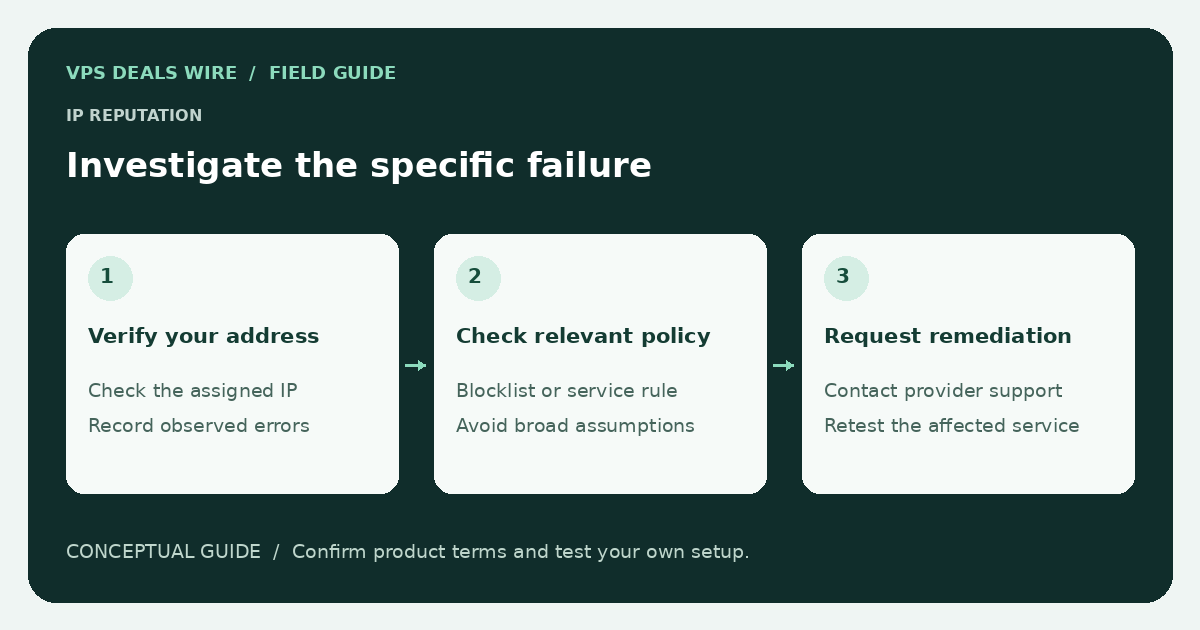
This guide focuses on legitimate operation of your own server. It does not recommend evading anti-abuse controls, rotating addresses to escape restrictions, or scanning other customers' systems.
Separate different kinds of failure
Network reachability, a blocked application port, an email reputation listing, and a website challenging a request are different observations. Record the affected destination, protocol, timestamp, and error message. Avoid turning one symptom into a universal claim about the address.
For a website, check that DNS and HTTPS are configured correctly before blaming reputation. For direct email delivery, review the IP-family considerations and the sending provider's documented requirements. A successful connection alone does not prove that mail reaches an inbox.
Use the relevant service's official lookup
If an error identifies a particular reputation service, use that service's own lookup and remediation instructions. Check your own assigned address and understand the listing category. Different services use different evidence and policies; the presence or absence of one listing does not summarize the entire internet.
Do not submit removal requests for address space you do not control or misrepresent your relationship to it. Some situations require the hosting provider or address owner to act. Keep the request accurate and limit it to the documented issue.
Ask the provider about its remedy
Before purchasing for a reputation-sensitive use, read the address replacement and refund terms. After assignment, provide a concise support ticket with the relevant official lookup or delivery response. Redact recipients, authentication material, and unrelated customer data.
Ask whether the provider can investigate, request remediation, or supply a replacement under its policy. Do not assume a replacement is free, immediate, or appropriate in every case. Check any effect on DNS, service access, and billing before making a change.
Keep your own service from creating the next problem
Apply updates, control access, monitor unexpected traffic, and investigate abuse notices promptly. A compromised server can acquire a poor reputation regardless of its starting state. Maintain backups and a recovery plan rather than treating address changes as the response to every incident.
Use the provider due-diligence guide and provider directory to verify policies before buying. Choose from documented product fit and responsible operation, without claiming a provider's entire network is good or bad from a single unverified report.