Published 2026-11-09
VPS DNS Cutover: TTL, A/AAAA Records and Rollback
Inventory the records that actually direct traffic, test the destination, allow for previously cached answers, and define how rollback handles new data. Lowering a DNS TTL is useful preparation in some setups, but it does not make a VPS migration instantaneous or guarantee that every client switches at once.
In this guide
Find the records that matter
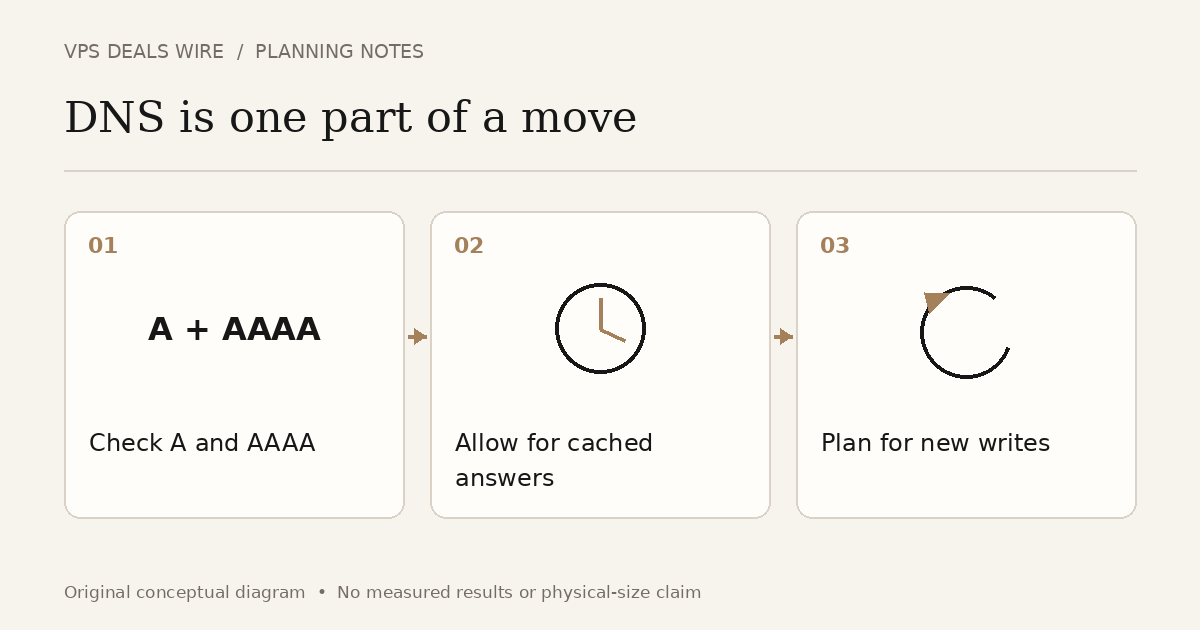
List the hostname, record type, current destination and proxy status. A website may use both A and AAAA records, or a CNAME that depends on another hostname. Changing only an IPv4 destination can leave IPv6-capable clients reaching the old service.
Check the actual path rather than treating every record as a server address. A proxied hostname can have different behavior from a DNS-only record. Keep email records and unrelated hostnames outside the change unless the migration explicitly requires them.
Understand the cache window
TTL describes how long a DNS answer may be cached. A lower value set now does not retroactively shorten the lifetime of an answer a resolver already obtained. Plan ahead using the old value and the DNS provider's behavior.
Cloudflare's TTL reference distinguishes proxied and DNS-only records. Consult the documentation for your actual setup instead of applying one universal TTL or waiting period. DNS cache timing is only one part of application readiness and client behavior.
Test the destination before switching
Use a documented method to test the new service with the intended hostname and HTTPS configuration. Loading a raw IP address may reach a different virtual host or produce a certificate mismatch. Check representative pages, application functions and dependent services before exposing normal traffic.
Record the old values and the planned new values in a small change log. Identify who can perform the change and which observation would justify stopping or reversing it. Avoid editing records repeatedly in response to a single cached lookup.
Make rollback a data decision
Pointing DNS back to the old server does not merge orders, uploads or other writes made on the new server. Decide how you will prevent conflicting writes, reconcile them, or use an application-specific maintenance process. Test the approach for your own workload.
Keep the old service available for the planned transition period, subject to its billing and security requirements. Choose the retirement point from observed traffic, application consistency and your recovery plan. A fixed number of hours cannot guarantee success for every service.
Verify from several layers
Check authoritative DNS values, the answers seen by the clients you test, HTTPS and actual application behavior. Record what you checked and when. Do not claim a worldwide switch based only on one browser tab or one resolver.
The WordPress migration overview covers the wider move; this guide explains the DNS and rollback decisions that require setup-specific judgment. The location guide helps assess the destination separately. No cutover is performed by reading this checklist: validate your records and recovery process before changing production.