Published 2026-11-03
Cloud-Init on a VPS: Verify First-Boot Setup Safely
Use cloud-init on a new VPS only after confirming that the provider's selected image supports it and that you understand how user-data is supplied. Automation should produce a reproducible starting configuration, not an untested script that locks you out of a fresh server.
In this guide
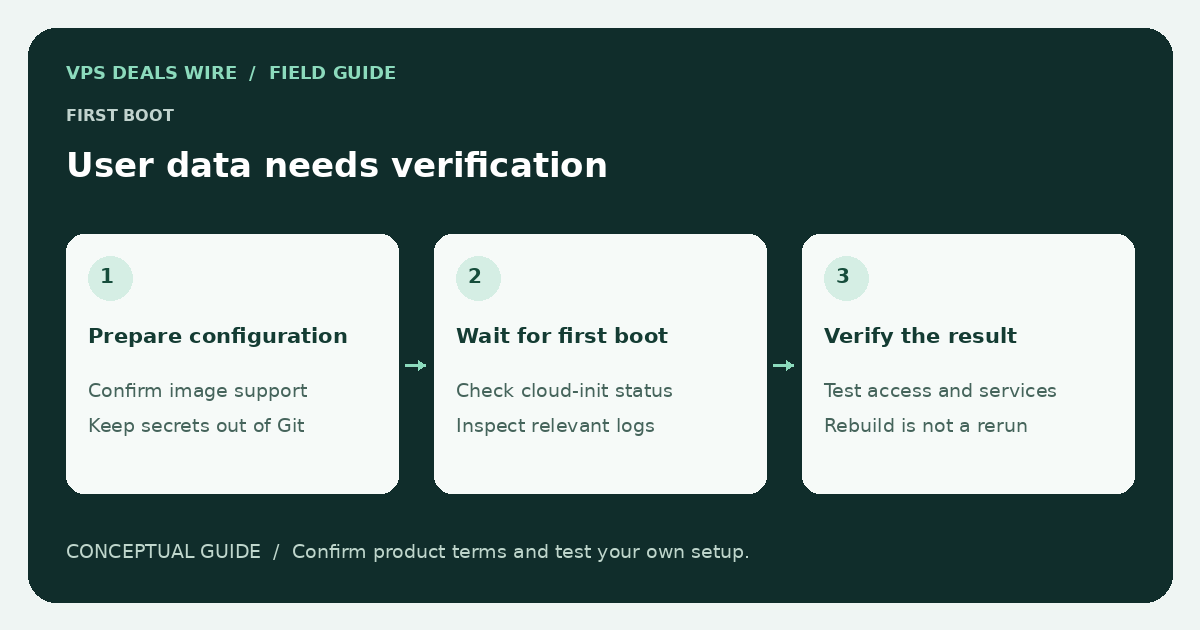
Cloud-init is commonly used to initialize a cloud instance. Available features, datasource behavior, and image defaults depend on the image and platform. Follow the provider and official cloud-init documentation instead of assuming every VPS product behaves identically.
Confirm the image and account behavior
Check whether the selected operating-system image includes cloud-init, which default user it creates, and how SSH keys reach the instance. Find out whether the provider dashboard supplies keys independently of your user-data and what happens if those settings conflict.
Before testing, confirm that the provider offers a console or another documented recovery route. Use an empty test server where permitted; do not first evaluate a provisioning template on a production machine containing important data.
Keep the initial configuration small
Start with the few settings you need to prove access and establish a safe baseline. Add complexity after checking the result. A long provisioning script can fail partway through and leave a machine in a state that differs from both your intended setup and a clean image.
Do not embed reusable passwords, private SSH keys, or API tokens in a template committed to a repository. Check how your platform stores and exposes user-data before deciding what belongs in it. Treat logs and instance metadata according to the sensitivity of the content they may contain.
Validate before launch and verify after boot
Use the validation method documented for your installed cloud-init version. Syntax validation can catch structure errors, but it does not prove that a package exists in the chosen image, that an external service is reachable, or that an application will start correctly.
After launch, inspect the documented cloud-init status and logs. Confirm the expected user, key access, networking, updates, and application behavior through a fresh connection. Keep any working console session until that check succeeds.
Understand when configuration runs again
Some initialization tasks are associated with the first boot or instance identity; a normal reboot does not necessarily repeat every operation. Learn the lifecycle before assuming that editing a template changes an existing server. Do not reset initialization state on a live server without understanding the documented consequences.
Store a reviewed template and its assumptions with your operational notes. Link the setup procedure to the first VPS checklist and the backup plan. Reproducibility is useful only when you can also recover the data and verify the result.