Published 2026-11-01
VPS Disk Full? Check Space, Inodes, and Mounts First
When a Linux VPS reports a full disk, check which filesystem is full, whether it has run out of inodes, and what is consuming it before deleting anything. A larger disk is not the only possible fix, and an unverified cleanup command can remove the data you were trying to save.
In this guide
The examples here are diagnostic starting points for a server you administer. They are not a claim that we tested a provider's storage. Check your distribution's documentation, access rights, and backup state before making changes.
Identify the affected filesystem
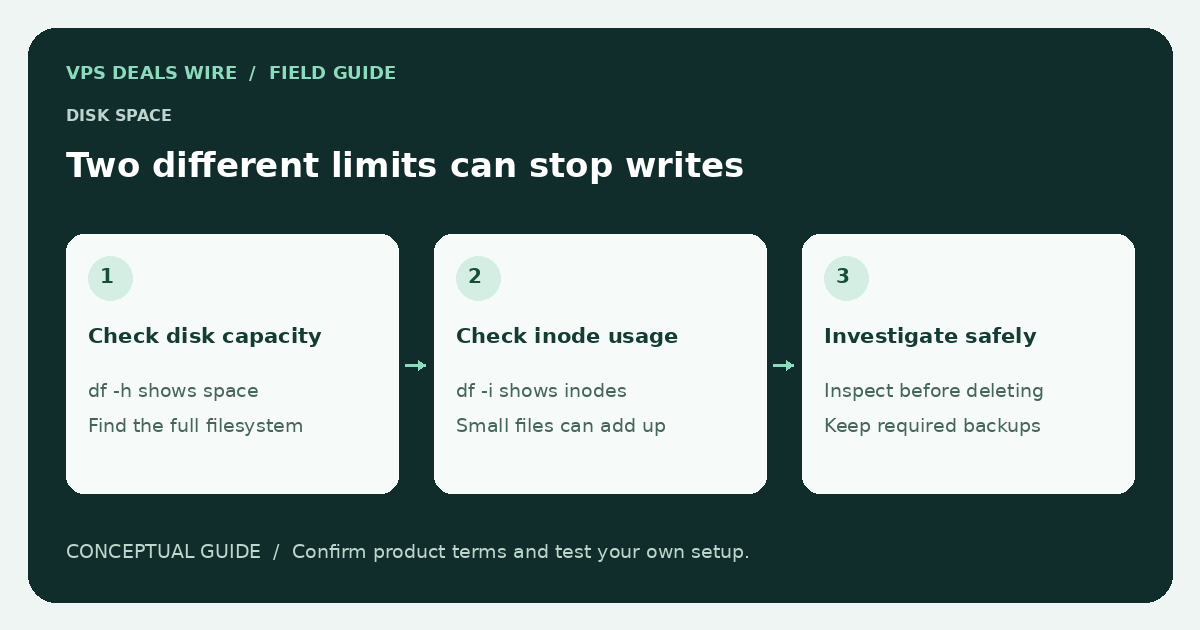
df -h shows mounted filesystem capacity in human-readable units. df -i shows inode usage. A system can have free data space while exhausting the number of files it can create. Check the row corresponding to the path where the application is failing rather than assuming the root filesystem is the cause.
lsblk -f can help identify devices and mounted filesystems. It does not itself resize anything. A provider may have expanded a virtual disk without expanding its partition or filesystem; consult the correct procedure for that layout before attempting a repair.
Locate growth without starting with deletion
Review application logs, database storage, package caches, uploads, and container data. A command such as du -xhd1 /var can help inspect a directory on systems supporting those options; consult the local manual before relying on flags. Large scans can create I/O load, so choose the path and time thoughtfully.
A difference between directory totals and filesystem usage can have several causes. Open but deleted files are one possibility: a process may retain space until it closes the file. Do not restart a production process blindly; first determine what it is doing and how to stop it safely.
Fix the source of the growth
Log rotation, retention settings, uploaded files, database growth, and repeated failed jobs require different responses. Removing a visible file without addressing the producer may only postpone the failure. Check the application's documented maintenance and retention procedures.
Never remove an unfamiliar database directory, Docker volume, or backup simply because it is large. If cleanup is appropriate, identify the owner, confirm a restorable backup, and remove only data that the applicable retention policy permits.
Verify recovery and prevent a repeat
After an authorized change, verify the affected filesystem, application writes, and service behavior. Configure monitoring for space and inodes with enough time to respond. Keep monitoring outside the failing server when its availability matters.
If you need more capacity, check whether resizing is supported, whether it changes billing, and whether a reboot or migration is required. The sizing guide helps revisit the workload; the backup guide explains why capacity and recoverability remain separate decisions.