Published 2026-11-07
Cancel a VPS: Auto-Renewal and Resource Checklist
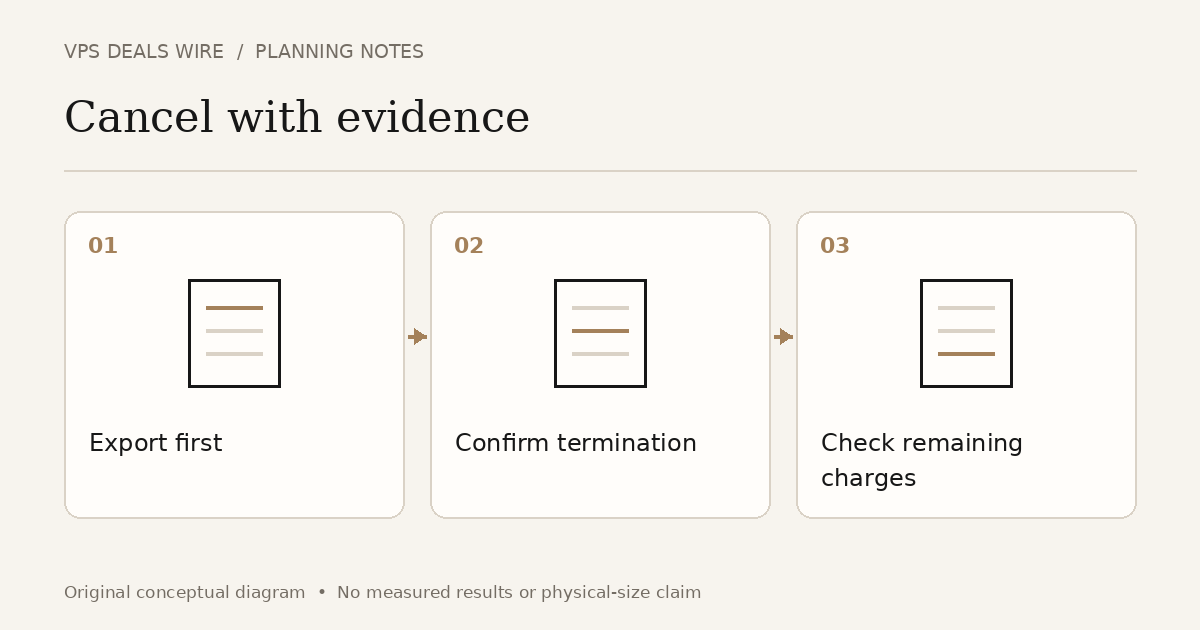
Export what you need, use the provider's documented cancellation process, confirm the effective termination date, and check separately billed resources. Disabling auto-renewal, powering off a server and terminating a service may have different consequences. Read the actual policy before choosing an action.
In this guide
Identify the service and the deadline
Record the service identifier, billing period, next renewal date and any cancellation notice requirement shown in your account. Keep the provider's timezone in view. A calendar reminder in your local time is useful only when it refers to the correct deadline.
Ask whether cancellation takes effect immediately or at the end of the paid term. Do not assume that turning off auto-renewal removes the server today, or that a support message alone completes the process. Use the official account workflow and retain its confirmation.
Export and verify before terminating
Save required application data, databases, configuration and invoices to storage you control independently of the service being closed. Verify that the copies open and that you can recover what matters. A backup still attached to the account you are deleting may not remain available.
Plan any replacement service before the final termination. Update dependencies deliberately and check that your application no longer relies on the old server. Do not erase the only working copy merely because a new VPS order has been accepted.
Inventory resources outside the server
List volumes, snapshots, reserved addresses, backup services, panels and other paid additions. Check each item's lifecycle and billing policy. Some resources are managed separately; do not assume deleting the main instance closes every associated charge.
For a concrete provider example, DigitalOcean's destruction documentation distinguishes the Droplet from associated storage resources. Its specific behavior is not a rule for every VPS company. Read your provider's current instructions and preserve required data before any irreversible action.
Keep a short cancellation record
Save the request timestamp, effective date and confirmation identifier. Review the service status after that date and inspect the next invoice or account balance. If an unexpected charge appears, compare it with the itemized resource list before opening a support case.
Keep the request factual: identify the service and disputed period, attach the relevant confirmation, and ask which resource produced the charge. Redact authentication material and unrelated account information. Cancellation does not automatically establish a refund entitlement; those terms need a separate check.
Use renewal information before the next purchase
The renewal-price guide addresses the cost of keeping a plan. This checklist addresses leaving it with a documented outcome. Use the provider directory to find official policies before committing to a replacement, especially when comparing seasonal offers. A successful cancellation is a confirmed service change and a reconciled resource list, not simply a powered-off machine.